 font inspector
GET THIS FONT, OR A FREE ALTERNATIVE
Found the font. Now get it, or something close
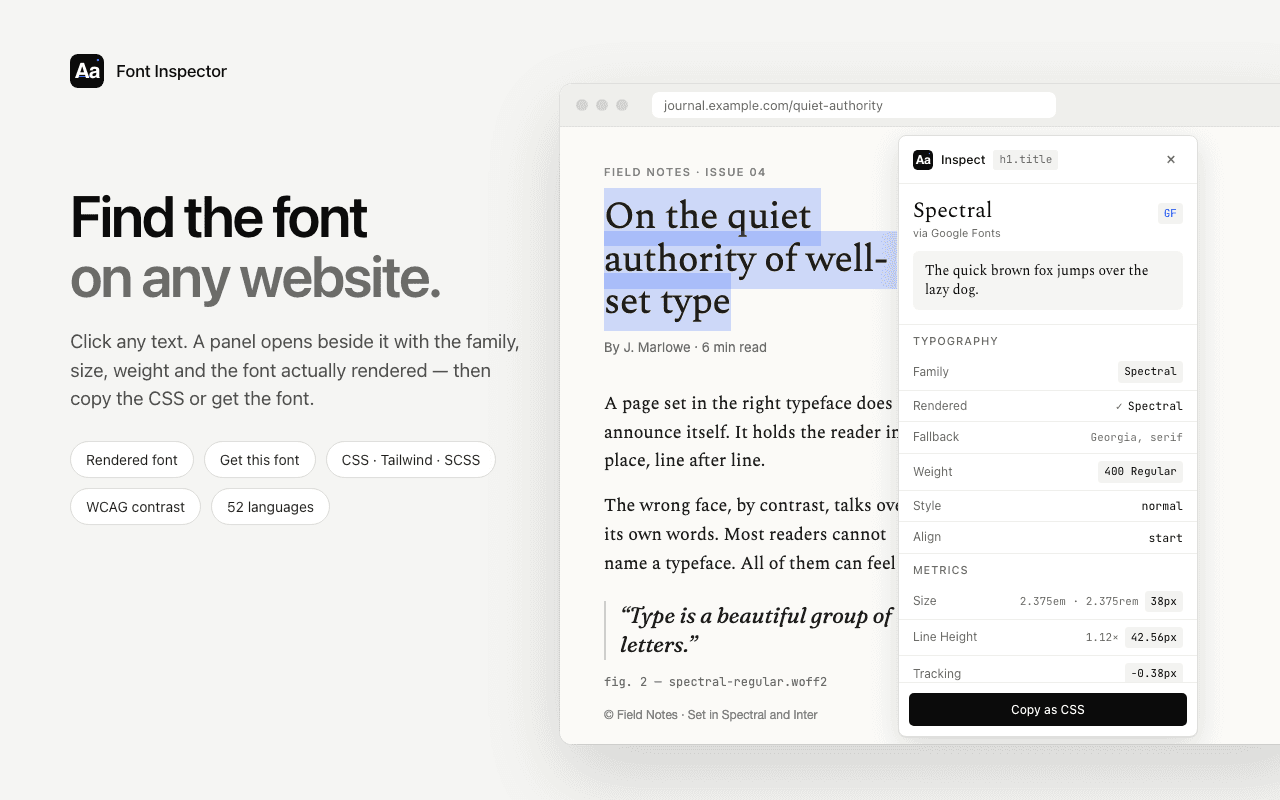
A font name is only useful if you can act on it. Font Inspector tells you where the font comes from, takes you to the place you can get it, and suggests a free stand-in when the original is out of reach.
What it does
- The source of each family: Google Fonts, Adobe Fonts, a self-hosted web font, or a system font installed on the device.
- A direct link to the family on Google Fonts or Adobe Fonts when that is the source.
- For self-hosted fonts, the font files the page loads and a ready
@font-facerule with absolute URLs, for fonts you are licensed to use. - Free Google Fonts look-alikes for popular paid and system fonts, suggested locally with no online lookup.
How to use it
- Inspect the text you like.
- Open Get this font in the panel.
- Follow the link to the provider, or try one of the free alternatives.
Good to know
- Finding a font does not license it. Always check the license at the foundry or provider.
- Look-alikes are similar, not identical. Compare them with your own text before deciding.
- Custom brand typefaces often cannot be licensed at all. A free alternative is then the only route.
Go deeper
Questions & answers
Can I download a font from a website?
Not from someone else’s server. Font files are licensed to the site that hosts them. Get the font from Google Fonts, Adobe Fonts or its foundry, or use a free alternative.
How do I know if a font is a Google Font?
Font Inspector labels the source of every family. A Google Fonts label comes with a link to the family’s page, where you can download or embed it for free.
What if the font is paid?
Buy a web license from the foundry, or use one of the free look-alikes Font Inspector suggests for popular paid fonts.